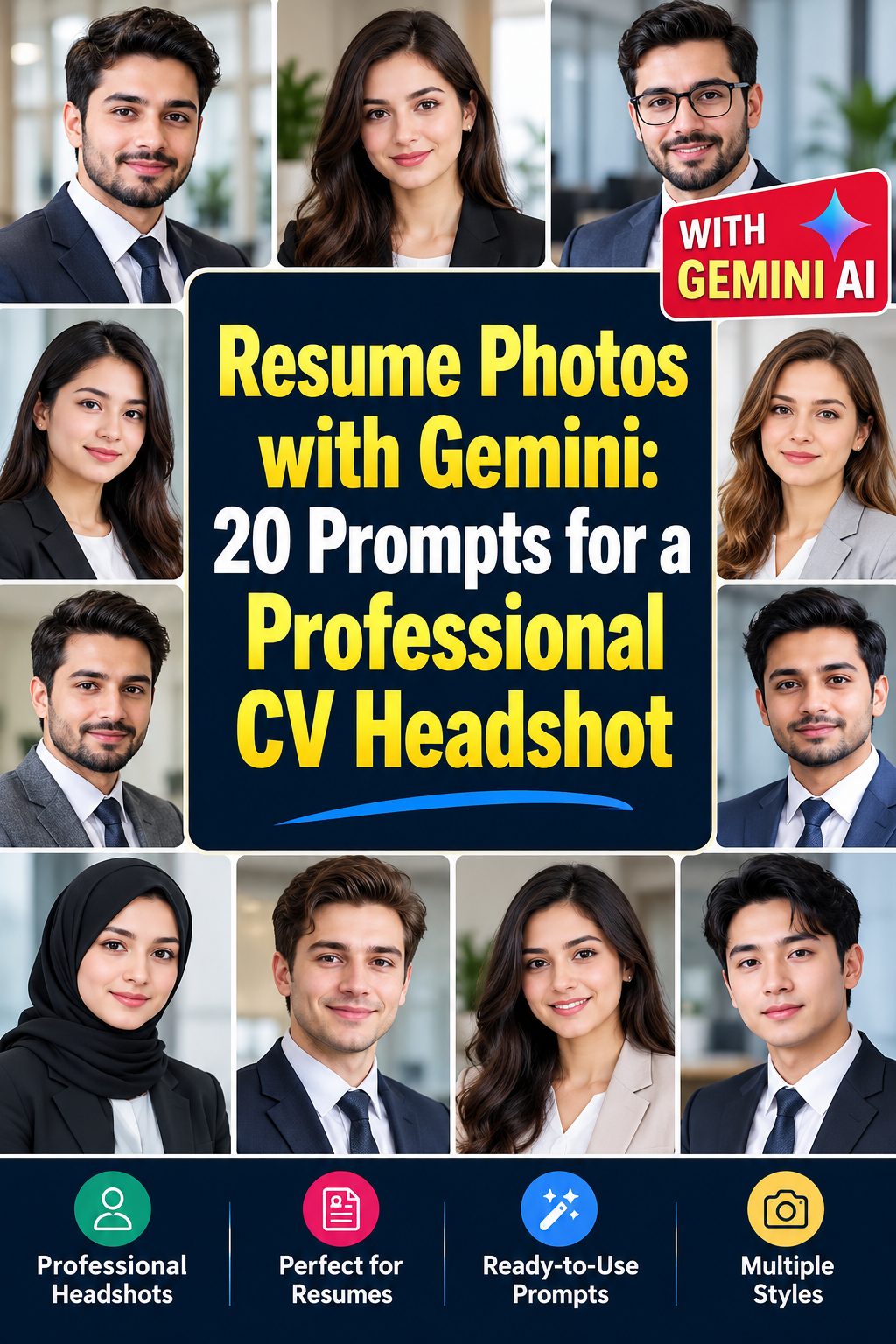
Resume Photos with Gemini: 20 Prompts for a Professional CV Headshot
A resume photo is often the first visual impression a recruiter gets before reading your qualifications. It should look polished, approachable, and professional without feeling overly staged or edited. The goal is simple: create a CV headshot that communicates confidence, reliability, and attention to detail at first glance.
With Gemini, you can create realistic resume photos featuring neutral backgrounds, formal clothing, balanced lighting, and clean head-and-shoulders framing. Whether you are applying for an office position, a corporate role, a creative job, or an entry-level opportunity, the right prompt can help you achieve a professional appearance that suits your industry.
This collection includes 20 Gemini prompts for resume photos, covering traditional business portraits, modern office looks, industry-specific styles, and approachable professional expressions. Unlike LinkedIn profile pictures or general business headshots, these prompts focus on the restrained, recruiter-friendly presentation that works best for a CV or printed resume.
Why Resume Photos Need a Different Professional Look
A resume photo serves a different purpose from a LinkedIn profile picture or a personal branding portrait. LinkedIn photos can be slightly more expressive, while general professional headshots often emphasize personality and brand identity. A CV photo should be more straightforward, with a clean appearance that supports rather than distracts from your qualifications.
For industries and countries where including a photograph on a resume is customary, a suitable image should have a neutral background, formal or business-appropriate clothing, natural facial expression, and consistent lighting. It should also be cropped closely enough to keep attention on your face without cutting off your head or shoulders awkwardly.
Before using an AI-generated image, check the photo requirements and hiring conventions in your target country and industry. In some markets, employers discourage or prohibit photographs on resumes to reduce hiring bias. When a CV photo is appropriate, prioritize an accurate representation of your real appearance rather than an artificially enhanced version.
What Should You Include in a Resume Photo Prompt?
A good resume photo prompt needs to describe more than a professional outfit. It should specify the framing, background, lighting, expression, and overall photographic style. These details help Gemini produce an image that looks suitable for a real job application.
- Neutral background: Choose white, light gray, beige, or another understated background that keeps attention on your face.
- Formal or business attire: Specify a tailored blazer, dress shirt, blouse, or other clothing appropriate for your industry.
- Head-and-shoulders framing: Request a centered composition with your face and upper shoulders clearly visible.
- Natural expression: Use a subtle, confident smile or a relaxed professional expression rather than an exaggerated pose.
- Soft, balanced lighting: Request even studio lighting or gentle natural light that preserves realistic facial details.
- Authentic skin texture: Avoid plastic-looking skin, excessive retouching, artificial sharpening, and unrealistic facial smoothing.
- Professional color balance: Keep clothing, background, and lighting coordinated without distracting colors or heavy filters.
- Photographic realism: Ask for the appearance of a genuine camera portrait rather than an illustration or AI-generated fashion photograph.
20 Gemini Prompts for Resume Photos
Use the following prompts to create professional CV photographs for different career paths and application requirements. For the most consistent results, upload a clear reference photo and ask Gemini to preserve your actual facial features, skin tone, age, and natural appearance.
1. Classic Corporate Resume Headshot
Prompt:
Create a realistic corporate resume headshot using my uploaded reference photo. Keep my facial identity, natural skin texture, and facial proportions accurate. Dress me in a well-fitted dark navy business suit with a crisp white shirt. Use a plain light gray studio background, centered head-and-shoulders framing, a subtle confident smile, and soft, even professional lighting. Make it look like an authentic photograph for a formal CV.
2. Clean White Background CV Photo
Prompt:
Transform my reference photo into a clean, professional CV headshot while preserving my real face and natural appearance. Dress me in formal business attire with a simple, polished neckline. Use a completely plain white background, straight-on head-and-shoulders composition, relaxed posture, and a neutral, approachable expression. Apply soft frontal studio lighting with realistic shadows and natural skin detail, avoiding excessive retouching or artificial beauty effects.
3. Modern Professional Resume Portrait
Prompt:
Create a modern professional resume photograph based on my uploaded image. Preserve my identity and realistic facial characteristics. Style me in a tailored charcoal blazer and understated business shirt. Position me centrally against a soft warm-gray background, with shoulders visible and eyes looking directly at the camera. Use balanced studio lighting, natural skin texture, realistic fabric details, and a composed expression suitable for contemporary corporate applications.
4. Formal Banking and Finance CV Photo
Prompt:
Generate a formal banking and finance resume headshot using my reference image. Keep my actual facial features, complexion, and proportions unchanged. Dress me in a conservative dark business suit with a white shirt and understated styling. Use a plain pale gray background and symmetrical head-and-shoulders framing. Add soft, controlled studio lighting, realistic skin texture, and a serious but approachable expression appropriate for financial institutions and professional offices.
5. Friendly Administrative Professional Headshot
Prompt:
Create a polished CV photograph from my uploaded reference photo, preserving my authentic face and natural appearance. Dress me in a smart navy blazer over a simple professional top. Use a clean cream-colored studio background and a centered head-and-shoulders crop. Give me a gentle, welcoming smile and relaxed posture. Use soft daylight-balanced lighting, realistic skin details, and subtle shadows for a trustworthy administrative professional appearance.
6. Resume Photo for a Technology Professional
Prompt:
Turn my reference image into a professional resume headshot suitable for a software engineer or IT specialist. Preserve my real facial identity and natural skin texture. Dress me in a neat dark blazer with a simple crew-neck shirt. Use a plain cool-gray background, centered head-and-shoulders framing, and a confident relaxed expression. Apply soft studio lighting with realistic details and restrained styling, avoiding casual social-media portrait aesthetics.
7. Healthcare and Medical Professional CV Photo
Prompt:
Create a realistic healthcare professional CV headshot using my uploaded photograph as the identity reference. Preserve my actual facial features, complexion, and age. Dress me in a clean white medical coat over professional clothing, with no visible logos or invented credentials. Use a plain light blue-gray background and balanced head-and-shoulders framing. Add soft natural lighting, authentic skin texture, and a calm, reassuring expression suitable for a medical application.
8. Legal Professional Resume Headshot
Prompt:
Generate a sophisticated but understated resume photograph using my reference photo. Preserve my real face and natural proportions. Dress me in a tailored dark charcoal suit with a crisp formal shirt and minimal accessories. Position me against a neutral light gray background with a straight-on head-and-shoulders crop. Use soft, even studio lighting, realistic facial details, and a composed, confident expression suitable for a law firm or legal office application.
9. Academic and Research CV Portrait
Prompt:
Create an academic CV headshot from my uploaded reference image while keeping my facial identity accurate. Dress me in understated professional clothing, such as a dark blazer and light shirt. Use a plain warm-neutral background with a centered head-and-shoulders composition. Give me a thoughtful, approachable expression and natural posture. Use soft window-style lighting, realistic skin texture, and subtle photographic contrast for an authentic university or research application portrait.
10. Entry-Level Job Application Resume Photo
Prompt:
Create a fresh, professional entry-level resume headshot using my reference photo. Preserve my real facial features, natural age, and skin texture. Dress me in a simple navy blazer and clean white shirt or blouse. Use a plain off-white background, straight-on head-and-shoulders framing, and a friendly, confident expression. Apply gentle, balanced studio lighting and realistic photographic detail to create an approachable image suitable for a first job application.
11. Executive-Style CV Headshot
Prompt:
Transform my uploaded photograph into an executive-level resume headshot while preserving my authentic facial identity. Dress me in a premium but understated dark business suit with a neatly styled shirt. Use a smooth neutral gray background and precise head-and-shoulders framing. Maintain direct eye contact and a calm, assured expression. Apply professional softbox lighting, natural skin texture, and realistic details without dramatic shadows or excessive image enhancement.
12. Minimalist Black and White Resume Photo
Prompt:
Create a timeless black-and-white resume headshot based on my reference photo. Preserve my actual face, natural proportions, and recognizable features. Dress me in a classic formal business outfit. Use a simple light gray background, centered head-and-shoulders composition, and a composed expression. Apply soft directional studio lighting with balanced highlights, natural facial texture, and subtle monochrome contrast, keeping the result clean, realistic, and appropriate for a formal CV.
13. Resume Photo for a Creative Professional
Prompt:
Generate a professional CV headshot for a designer or creative industry applicant using my reference image. Preserve my real facial identity and natural skin texture. Dress me in a smart, modern blazer with a simple neutral-colored top. Use a plain warm beige background, clean head-and-shoulders framing, and a relaxed confident expression. Add soft daylight-balanced lighting and realistic photographic details while keeping the overall appearance restrained enough for a formal job application.
14. Customer Service Professional Resume Portrait
Prompt:
Create a friendly, polished resume photograph using my uploaded reference photo. Keep my actual facial features and natural appearance unchanged. Dress me in a smart business-casual blazer and a neat professional shirt. Use a plain light cream background and centered head-and-shoulders framing. Give me a natural, welcoming smile with direct eye contact. Use soft, even lighting, realistic skin texture, and a clean photographic finish suitable for customer-facing roles.
15. International CV Photo with Formal Styling
Prompt:
Create a formal international CV headshot from my reference photo, preserving my real identity, complexion, and facial proportions. Dress me in conservative professional business attire appropriate for a multinational workplace. Use a plain pale gray background, symmetrical head-and-shoulders framing, and a neutral confident expression. Apply balanced studio lighting with natural skin texture and accurate colors. Avoid cultural stereotypes, unnecessary accessories, dramatic styling, or artificial facial enhancement.
16. Soft Natural-Light Resume Headshot
Prompt:
Turn my uploaded reference photo into a natural-looking professional CV portrait while keeping my face completely recognizable. Dress me in a tailored dark blazer and a simple light-colored shirt. Use a plain warm-gray background and a centered head-and-shoulders crop. Illuminate my face with soft window light, maintaining gentle shadows and realistic skin texture. Keep my expression calm and approachable, with authentic camera detail and no beauty filters.
17. Resume Photo for Engineering Professionals
Prompt:
Create a professional engineering CV headshot using my uploaded reference image. Preserve my real facial identity, natural skin tone, and proportions. Dress me in a crisp collared shirt with a dark structured blazer. Use a simple neutral gray background, straight-on camera angle, and clean head-and-shoulders framing. Add soft, even studio lighting, realistic fabric and skin details, and a confident, practical expression suitable for technical and engineering positions.
18. Professional Resume Photo for HR Applicants
Prompt:
Generate a polished human resources professional resume headshot using my reference photo. Maintain my authentic facial features, natural complexion, and age. Dress me in a tailored navy blazer with a simple professional blouse or shirt. Use a plain light beige background and balanced head-and-shoulders framing. Give me a warm but restrained smile and direct eye contact. Use soft studio lighting, realistic skin texture, and an approachable corporate photographic style.
19. Formal Resume Photo with Dark Background
Prompt:
Create an elegant yet conservative CV headshot based on my uploaded reference photograph. Preserve my real facial identity and natural appearance. Dress me in a formal charcoal or navy business suit. Use a smooth muted charcoal-gray background with enough separation to keep my face clearly visible. Frame the image from the shoulders upward, with direct eye contact and a composed expression. Use soft professional lighting and realistic skin detail without dramatic cinematic effects.
20. Universal Recruiter-Ready Resume Headshot
Prompt:
Transform my uploaded reference photo into a universally professional resume headshot. Preserve my exact recognizable facial identity, natural skin tone, age, and facial proportions. Dress me in clean, well-fitted business attire suitable for a broad range of industries. Use a plain light neutral background, centered head-and-shoulders composition, and a subtle confident smile. Apply balanced studio lighting, authentic skin texture, natural colors, and realistic camera detail for a recruiter-friendly CV photograph.
How to Customize These Prompts
The 20 prompts provide different professional styles, but you can adjust them to match your actual career goals. A successful resume photo should look like you on a professional day, not like a completely different person created for an idealized job application.
1. Match Your Clothing to the Industry
For banking, law, finance, and senior corporate positions, choose conservative business attire such as a dark suit and crisp shirt. For technology, engineering, and creative roles, a tailored blazer with a simple shirt can look professional without appearing overly formal. Healthcare applicants can use appropriate professional uniforms when relevant, but should avoid adding qualifications or medical symbols that do not reflect their actual role.
2. Choose the Right Background
Neutral backgrounds are usually the safest choice for a CV. White provides a clean and bright appearance, light gray feels corporate, and beige creates a slightly warmer impression. Avoid busy office scenes, colorful walls, decorative objects, or backgrounds that compete with your face.
3. Adjust Your Facial Expression
Your expression should communicate confidence and approachability. A subtle smile works well for customer service, administration, HR, and many corporate positions. A more neutral expression may suit formal legal, financial, or executive applications. Avoid exaggerated smiles, dramatic poses, or expressions that look artificially generated.
4. Request the Correct Framing
Always specify a centered head-and-shoulders photograph with your face clearly visible. Keep enough space above your head and around your shoulders so the image can be cropped neatly. Avoid full-body portraits, tilted camera angles, extreme close-ups, or wide compositions intended for social media banners.
5. Preserve Your Real Appearance
Upload a clear, recent reference image and instruct Gemini to preserve your facial structure, skin tone, age, hairstyle, and distinguishing features. If the generated result changes your appearance noticeably, refine the prompt instead of accepting an inaccurate version. A resume photograph should help recruiters recognize you during an interview.
Tips for More Realistic Resume Photos
Even a well-written Gemini prompt can produce an image that looks too polished or artificial. These practical adjustments can help make your CV photograph more believable and professionally appropriate.
- Start with a clear reference photograph: Use a recent, front-facing image with good lighting and minimal obstruction around your face.
- Avoid excessive skin smoothing: Request visible natural skin texture, realistic pores, and subtle facial details.
- Keep lighting believable: Soft studio light or natural window light usually looks more authentic than dramatic highlights.
- Use realistic clothing details: Specify properly fitted jackets, natural fabric folds, and correctly shaped collars.
- Maintain natural proportions: Ask Gemini not to alter your jawline, eyes, nose, facial structure, or body proportions.
- Avoid distracting accessories: Keep jewelry, ties, glasses, and other accessories simple and appropriate for your profession.
- Check the final crop: Make sure your entire face is visible and your shoulders are not awkwardly cut off.
- Use appropriate image dimensions: Export a clear, high-resolution image that can be resized without becoming blurry.
- Compare the result with your real appearance: Check that your hairstyle, complexion, and facial characteristics remain recognizable.
- Follow local CV conventions: Confirm whether employers in your target market expect, accept, or discourage resume photographs.
One important detail is consistency. If you are applying to several positions, use a similar professional appearance across your application materials. Your resume photo, when appropriate, should not look like a completely different person from the individual who attends the interview.
Final Thoughts
A professional resume photograph should communicate credibility before a recruiter even begins reading your experience. Clean backgrounds, appropriate clothing, natural expressions, and balanced lighting can make a significant difference in how polished your CV looks.
These 20 Gemini prompts for resume photos offer practical starting points for different industries, from finance and healthcare to technology, education, and creative work. You can customize the clothing, background, and lighting to suit your career while keeping your real facial identity intact.
Remember that a resume photo is not a social media portrait or a personal branding campaign. Its purpose is to provide a clear, professional, and recognizable representation of you. Choose a realistic result that supports your application rather than distracting from your skills and qualifications.
Keep Exploring
- 25 Best Gemini Prompts for LinkedIn Profile Photos
- 25 Best Gemini Prompts for Professional Headshots
- How to Create Professional Business Team Portraits with Gemini: 20 Prompts
FAQs
1. Can Gemini create professional resume photos from an existing picture?
Yes. You can upload a clear reference photograph and ask Gemini to create a professional CV headshot while preserving your facial identity. Include instructions for neutral backgrounds, formal clothing, head-and-shoulders framing, and natural lighting. Always review the result to ensure it accurately represents your real appearance.
2. What is the best background for a resume photo?
A plain white, light gray, or soft beige background is generally a good choice. These colors keep attention on your face and create a clean, professional appearance. Avoid busy patterns, distracting office environments, and bright colors that may compete with your clothing or facial features.
3. Should a resume photo look different from a LinkedIn profile picture?
Yes. A resume photo should generally be more restrained and formal, with simple clothing, a neutral background, and straightforward head-and-shoulders framing. LinkedIn profile photos can communicate more personality and personal branding. However, both images should accurately represent your real appearance and remain consistent with your professional identity.
4. What should I wear in an AI-generated CV headshot?
Choose clothing that matches the expectations of your target industry. Dark suits and crisp shirts work well for finance, law, and traditional corporate roles. Tailored blazers and simple professional tops suit technology, administration, and creative positions. Healthcare applicants can use appropriate professional attire. Keep accessories minimal and avoid clothing with distracting patterns or logos.
5. Is it acceptable to use an AI-generated photo on a resume?
It depends on the employer, industry, and country. Some hiring markets accept or expect CV photographs, while others discourage them or have rules against including them. If a photo is appropriate, ensure the generated image accurately represents your real appearance. Do not use AI to misrepresent your age, qualifications, identity, or professional credentials.
Leave a Reply